Set rates once and calculate every booking correctly
Set up your rates once per species, period, room or customer and Aniday charges the right amount on every booking and invoice from then on. Discounts for multiple pets, long stays or regular customers are applied for you, without any manual maths.
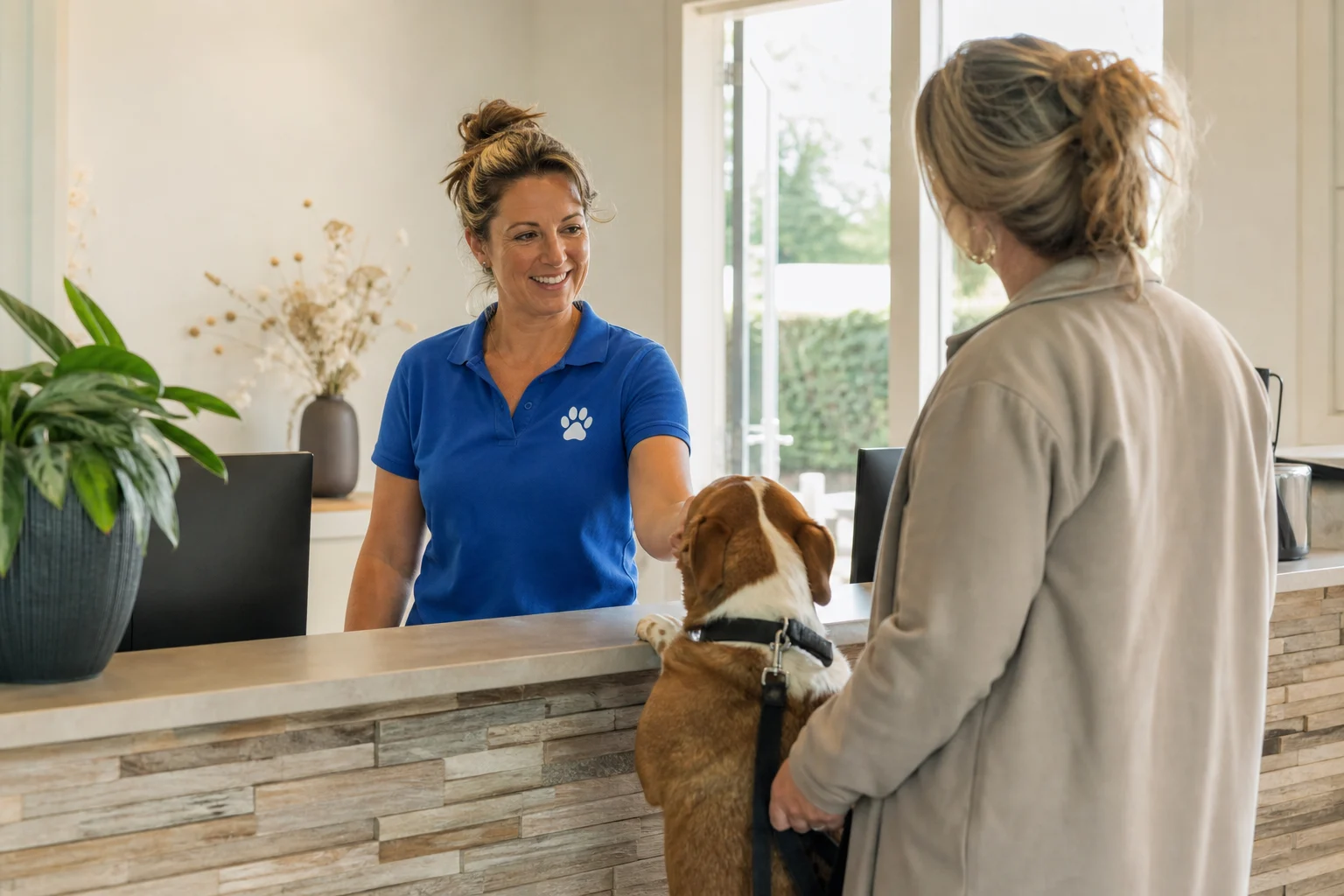
Small, medium or large dog, or the same rate for every dog.
Link a deluxe or standard room to your stays and price by room type.
For a second pet, a long stay or a regular customer.
Keep pricing consistent, even during peak season
Your rates can be as simple or as advanced as you like. You set them up once per species, period, room or customer and Aniday then charges the right amount on every booking. So you avoid pricing mistakes, stay in control of your prices and keep more time for the animals.
Charge per species and size, or keep it simple
Give every species its own rate. For dogs you decide whether to split rates between a small, medium and large dog, or charge the same rate for every dog. That way your price matches exactly what a pet costs you in space and care, without doing the maths on every booking.
- A separate rate per species
- For dogs: small, medium, large or a single rate
- The right rate appears on the booking for you
Never forget the discount for the second pet again
Per rate you set when a customer gets a discount. When multiple pets from the same owner come in, you charge a lower rate for them. For daycare you give a discount when someone books several days a week or several weeks, and for a stay longer than ten nights the price per night drops. You set the rules yourself and Aniday applies the discount on the invoice for you.
- A discount for a second or third pet from the same owner
- A deal for several days a week or several weeks of daycare
- A lower rate from, say, ten nights onward
Charge per day or per night, exactly how you work
You decide whether a stay is charged per day or per night. When a pet is picked up on the last day in the morning, you set whether that day counts as daycare or does not count at all. So every invoice matches how you price things and you never add or remove a day by hand.
- Charge stays per day or per night
- Set the last day as daycare or leave it out
- Calculate billable days without counting by hand
Charge per room type and link it to your stays
When you have different rooms, for example a deluxe room, a standard room with an outdoor run and a standard room without one, you give every room type its own price. You link those rooms to the stays you have created, including the occupancy set on them. Ideal for cat hotels, and just as handy for any business that works with different room types.
- A separate rate per room type
- Rooms linked to your stays and occupancy
- Made for cat hotels and any other business
Your loyal customer always gets their agreed price
When you have a few regular customers or family members you want to give a special price, you set a separate rate or discount per customer or even per pet. That rate then carries onto every booking from that customer for you, so you never have to think about it and never forget the arrangement.
- A special rate or discount per customer
- Or set it per pet for that customer
- Applied to future bookings automatically
Frequently asked questions
You set pricing rules once and Aniday applies them to the right booking, reducing manual calculations and price differences.
Rates work with stays, services, products and invoicing. You remain in control of the rules you set.
It suits businesses with several stay types, services, supplements or pricing arrangements.
Make more time for the animals
See how Aniday helps you organise bookings, reduce admin and keep your team informed.
What kind of pet care business do you run?
See how Aniday fits your business, from pet boarding to dog training and grooming.